Book Instant Online IT Support via TeamViewer in Sydney
No need to wait for a technician visit! Get certified Sydney IT experts to diagnose and repair your Windows PC or Apple Mac remotely using encrypted TeamViewer desktop support. Fast, 15-minute emergency response across Western Sydney, Northern Suburbs & Sydney CBD.
⚡ Book Your TeamViewer Session
Select your issue to start remote connection. Call 0434 665 372 for urgent help.
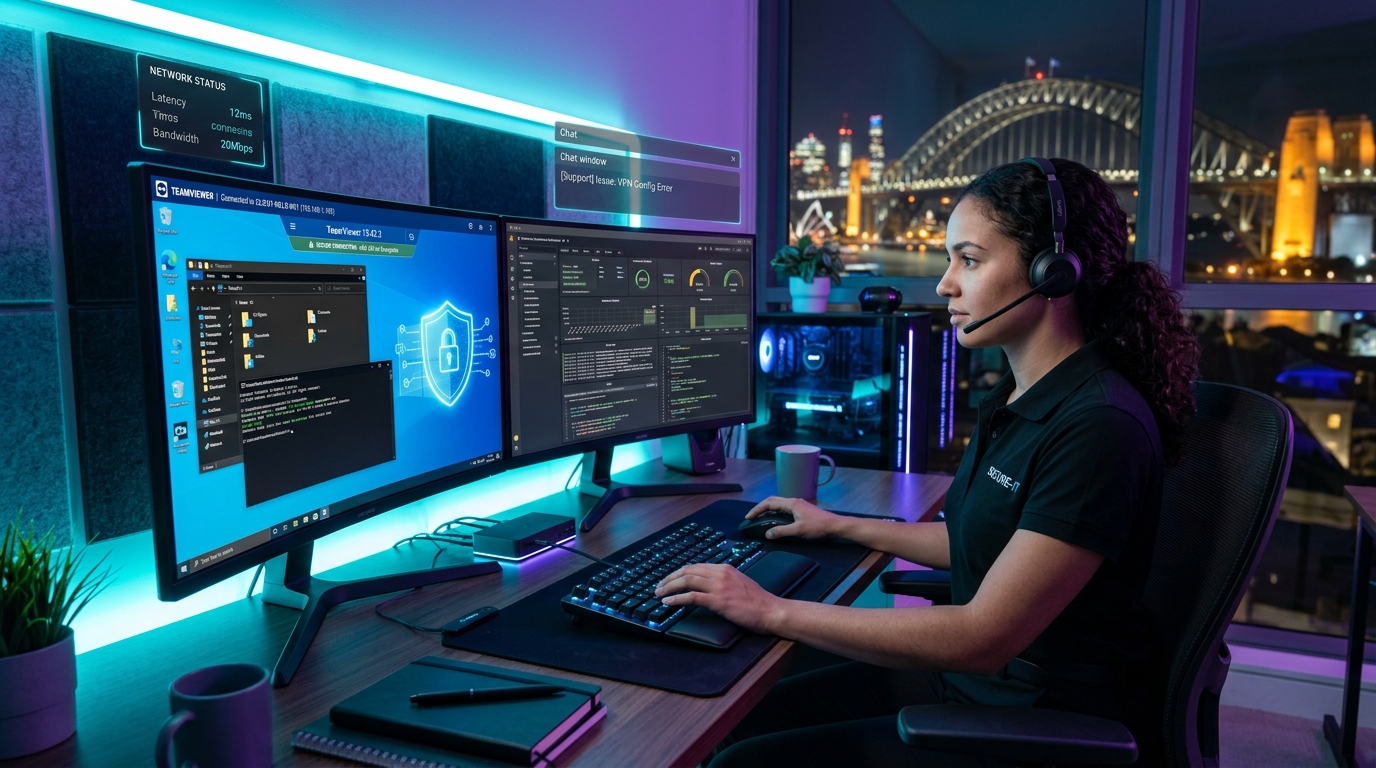
Live TeamViewer remote IT troubleshooting session operated by certified LociaX Sydney technicians with 256-bit AES encryption.
How Online TeamViewer IT Support Works
Get your computer problem fixed in 4 simple steps without taking your computer anywhere.
Book Session or Call Us
Submit your request online or call 0434 665 372. We assign a certified Sydney technician to your case within 15 minutes.
Download TeamViewer
Download the free TeamViewer QuickSupport app onto your Windows PC or Mac. It requires no installation or admin password.
⬇️ Official TeamViewer DownloadShare Your ID & Passcode
Open TeamViewer and share your 9-digit Session ID & single-use password with our technician over phone or chat.
Watch Live & Relax
Sit back while our technician fixes your computer issues right in front of your eyes. You maintain 100% control and can close the connection anytime.
Online Computer Services Handled via TeamViewer
Over 85% of software and operating system problems can be solved remotely without physical repair shop visits.
Virus, Malware & Trojan Cleanup
Deep scanning and complete eradication of spyware, adware, ransomware, browser hijackers, and pop-ups while keeping your personal files 100% safe.
- ✓ Removal of persistent pop-up ads & redirects
- ✓ Spyware & keystroke logger detection
- ✓ Enterprise antivirus installation & setup
Windows & Mac Speed-Up & Tune-Up
Optimize boot speeds, clean system junk, remove bloatware, disable heavy startup apps, and repair corrupted system files to make your PC feel like new.
- ✓ 30-Point performance tuning check
- ✓ Boot time acceleration (up to 3x faster)
- ✓ Hard disk & RAM memory optimization
Email, Outlook & Office 365 Setup
Fix Outlook send/receive errors, sync accounts across devices, resolve PST file corruption, and set up custom business domain email addresses.
- ✓ Microsoft 365 & Outlook synchronization
- ✓ Email migration & archiving fix
- ✓ Spam filter & security configuration
Printer & Wi-Fi Network Setup
Troubleshoot offline printers, configure wireless print servers, fix network sharing, and resolve local Wi-Fi IP address conflict errors.
- ✓ HP, Canon, Epson & Brother printer drivers
- ✓ Wi-Fi network print sharing configuration
- ✓ Router DNS & port connection setup
Software Crash & Driver Repair
Diagnose Blue Screen of Death (BSOD), resolve software startup crashes, reinstall corrupted display/audio drivers, and update Windows/macOS updates.
- ✓ Fix BSOD & kernel crash errors
- ✓ Update outdated graphics & system drivers
- ✓ Repair corrupted Adobe & Office packages
Cybersecurity Audit & Backup Setup
Protect your identity, configure automated cloud backups (OneDrive, Google Drive, iCloud), set up password managers, and audit 2FA security.
- ✓ Automatic daily cloud backup config
- ✓ Firewall & password vault protection
- ✓ Protection against identity theft
Why TeamViewer Remote Support is 100% Safe
We prioritize your privacy and data security above all else. Your remote connection is locked behind bank-grade encryption.
256-Bit AES Encryption
All remote sessions use end-to-end 256-bit AES encryption based on RSA 2048-bit key exchange.
One-Time Passcodes
TeamViewer generates a brand-new, random password for every session. Once closed, we cannot reconnect.
Full Screen Visibility
You see every single cursor movement and action our technician performs in real-time on your monitor.
Instant Disconnect
You have absolute authority to close the TeamViewer window at any second to kill the connection instantly.
TeamViewer Remote IT Support Pricing Packages
Clear, fixed pricing with No Fix, No Fee guarantee. No hidden call-out charges.
Quick Remote Fix
Ideal for single quick problems (printer, email setup, single software glitch).
- ✓ Up to 30 minutes remote session
- ✓ Printer driver or email sync fix
- ✓ Single software bug resolution
- ✓ 90-Day repair warranty
Complete Tune & Virus Clean
Comprehensive deep cleanup, virus eradication, and speed optimization package.
- ✓ Up to 60 minutes remote session
- ✓ Complete virus, spyware & popup clean
- ✓ Full system speed tune & boot optimization
- ✓ Driver updates & junk file purge
- ✓ Enterprise antivirus installation
- ✓ 90-Day repair warranty
Advanced & Business Support
For complex software crashes, multi-PC setup, VPN, server, or cloud migrations.
- ✓ Up to 90 minutes remote session
- ✓ Complex OS repair / BSOD fix
- ✓ VPN, Network & Server configuration
- ✓ Data backup & cloud account migration
- ✓ Priority 15-minute dispatch
- ✓ 90-Day repair warranty
🧮 Interactive Remote Price Estimator
Select your device and issue type to get an instant cost estimate:
Online TeamViewer IT Support for Sydney Suburbs
While our technicians can help anyone in Australia remotely, we provide dedicated priority IT helpdesk support for Sydney regions.
Western Sydney IT Support
Northern Suburbs & North Shore
Sydney CBD & Inner West
Eastern Suburbs & South Sydney
What Sydney Clients Say About Our TeamViewer IT Support
Real feedback from homeowners and businesses across Sydney.
"I called LociaX when my laptop got infected with pop-up viruses while working from my home office in Parramatta. David connected via TeamViewer within 10 minutes and had my laptop completely clean in half an hour. Lifesaver!"
"Super quick TeamViewer remote support! Fixed my Outlook email sync and printer driver issue on my MacBook in Chatswood. Very polite tech and reasonable fixed price."
"Great IT service for our Penrith small business. They configured our remote VPN access and cloud backup over TeamViewer after hours. Highly recommended."
TeamViewer Remote IT Support FAQs
Everything you need to know about booking online computer repairs in Sydney.
Need Urgent Remote IT Support in Sydney Right Now?
Our certified technicians are online and ready to connect via TeamViewer within 15 minutes.